
I always thought AI-generated websites were going to be a mess. When a non-engineer prompts an AI to build a site, there is no structural discipline: HTML semantics go out the window, headings and landmarks are scrambled, and any visiting AI agent trying to parse that site has to guess where the buttons and forms actually live.
A site built by an agent and consumed by an agent quickly turns into chaos. For a long time, I wondered what the big browser and platform giants would propose as the real answer to that problem.
That question has now been partially answered with WebMCP (Web Model Context Protocol).
What WebMCP Is and How It Works in Chrome
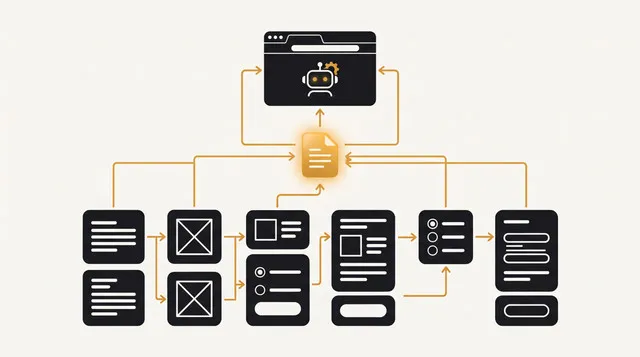
Instead of forcing browser agents to scrape the Document Object Model (DOM), take screenshots, and simulate raw mouse clicks, Chrome's WebMCP guidance turns the webpage itself into a live, structured tool registry inside the active browser tab.
Incubated as a draft specification in the W3C Web Machine Learning Community Group (and developed openly in the W3C WebMCP GitHub repository), WebMCP runs entirely client-side via document.modelContext (note that mid-2026 Chromium updates moved away from navigator.modelContext in favor of document.modelContext). Unlike server-side MCP, there is no Node.js daemon, no HTTP or SSE transport, and no Resources or Prompts primitives. It exposes Tools only.
There are two ways to expose tools on a page:
1. The Declarative API (HTML Forms)
For standard actions, you annotate an existing HTML <form> with toolname and tooldescription attributes. The browser reads your <input> names, types, and required attributes to synthesize a JSON Schema automatically:
<form toolname="search-flights" tooldescription="Search available flights by origin, destination, and departure date">
  <input type="text" name="origin" required />
  <input type="text" name="destination" required />
  <input type="date" name="departureDate" required />
  <button type="submit">Find Flights</button>
</form>
2. The Imperative API (JavaScript and Framework Hooks)
For dynamic client-side workflows, you register tools programmatically via document.modelContext.registerTool() (or framework hooks such as useWebMCP in React and Vue, or provideExperimentalWebMcpTools in Angular) with a strict inputSchema, annotations: { readOnlyHint: true } for non-mutating reads, and an AbortSignal to clean up on unmount:
const controller = new AbortController();

document.modelContext.registerTool({
  name: "filter-catalog",
  description: "Filter visible products by maximum price in USD",
  inputSchema: {
    type: "object",
    properties: {
      maxPrice: { type: "number", description: "Upper price limit" }
    },
    required: ["maxPrice"]
  },
  execute: async ({ maxPrice }) => {
    const count = applyUiPriceFilter(maxPrice);
    return { content: [{ type: "text", text: `Showing ${count} items under $${maxPrice}` }] };
  },
  annotations: { readOnlyHint: true }
}, { signal: controller.signal });
Security Boundaries and Browser Support Today
Because WebMCP executes inside the user's active tab and shares session state, the W3C WebMCP technical notes and Chrome docs enforce strict boundaries:
- Secure Contexts Only (HTTPS):
document.modelContextis disabled on plainhttp://origins. - Same-Origin Isolation: Tool registries are bound to their origin. Cross-origin
<iframe>elements cannot expose tools unless the parent explicitly grantsallow="tools". - Prompt Injection Defenses: Developers must keep
toolname,tooldescription, and schema descriptions static and free of unvalidated user-generated content, enforce tight JSON Schemas, and gate state-mutating tools behind manual UI confirmation.
Current browser availability (late 2026): As tracked in current WebMCP browser support documentation, WebMCP is not yet shipped by default to all users. Chrome (149+) and Microsoft Edge (150+) run Origin Trials and support local testing via chrome://flags/#enable-webmcp-testing (from Chromium 146+). Mozilla Firefox holds a neutral position (supportive of the imperative API while debating the declarative form), and Apple's WebKit / Safari team recorded an oppose position over security, privacy, and consent concerns, which also excludes Chrome on iOS.
Why WebMCP Only Partially Answers the Problem
WebMCP solves the interaction layer: visiting AI agents no longer have to guess which <div onclick> submits a filter or fills a checkout form.
However, it does not fix the structural layer of AI-built websites. As we explored in The Hidden Reality of Vibecoding vs SaaS Website Builders, letting an AI generate raw HTML and JavaScript from scratch still produces tangled DOM trees, broken accessibility landmarks, and inconsistent layouts that hurt SEO, Answer Engine Optimization (AEO), and human usability.
Our Answer: Simple Website Builder (Internal Beta)
My response to that structural mess was building Simple Website Builder. It is currently in internal beta and not yet exposed publicly, though it already powers our own products such as Live QR Menu.
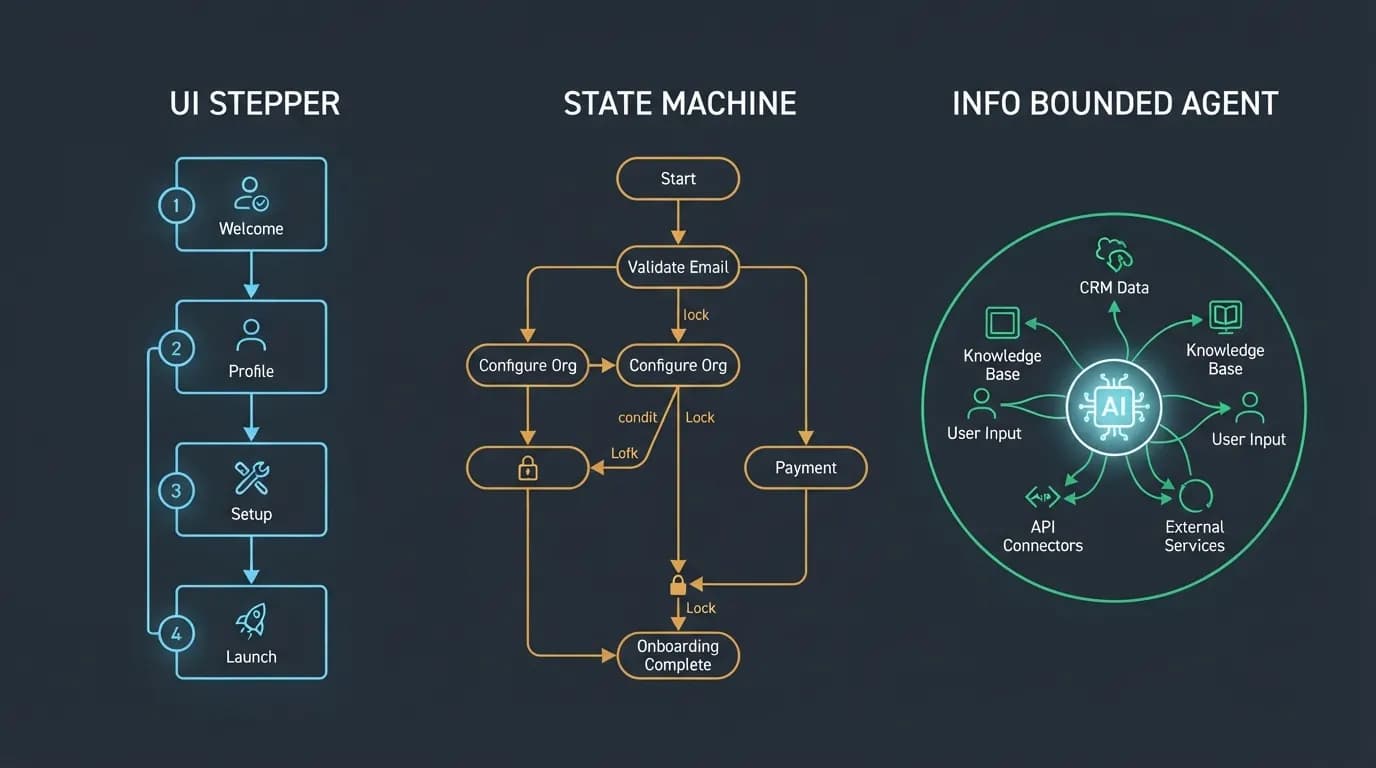
The core architectural rule is simple: we separated UI/UX styling from page semantics.
- We engineer the semantic pages and blocks: Navigation, hero zones, pricing tables, forms, and FAQ blocks have strict, predictable HTML semantics and clean structural contracts.
- AI designs the presentation layer: Currently, AI customization is intentionally bounded to design tokens, CSS, and motion. It cannot break heading hierarchy or turn semantic buttons into unlabelled divs.
When you pair that semantic block architecture with WebMCP, the full picture clicks into place. A non-engineer can customize a sharp, accessible site without breaking HTML structure, and any visiting AI agent can read clean semantic content and invoke typed WebMCP tools inside the user's browser tab without fragile scraping.
What Builders Should Do Next
If you are a founder, developer, or design engineer building web apps in 2026:
- Keep semantics locked down: Never let AI code generation own your raw HTML structure unchecked. Separate semantic blocks from visual tokens.
- Design atomic, read-safe actions: Even before WebMCP ships across every browser, structure your forms and client actions with clean schemas and explicit confirmation gates for destructive writes.
- Test behind the Chrome flag today: Enable
#enable-webmcp-testingin Chrome or Edge to see how your key workflows behave when an agent calls them directly instead of clicking pixels.
Frequently Asked Questions
How is WebMCP different from server-side MCP?
As Chrome's WebMCP vs MCP guide explains, traditional MCP connects AI assistants to backend servers and databases from anywhere, while WebMCP runs entirely client-side inside an open browser tab. WebMCP tools are ephemeral, exist only while the page is open, and share the user's active UI session.
How do I enable and debug WebMCP in Chrome?
Open chrome://flags/#enable-webmcp-testing, set it to Enabled, and relaunch Chrome. Make sure your site runs on HTTPS or localhost, then use the WebMCP panel in Chrome DevTools to inspect registered tools and validate how the browser parses your JSON Schemas.
Does WebMCP work inside cross-origin iframes or single-page apps?
Yes, with explicit boundaries. Cross-origin <iframe> elements cannot expose WebMCP tools unless the parent page delegates permission with allow="tools", and single-page apps should pass an AbortSignal to registerTool() so stale tools unregister automatically on route changes.
Insights, Playbooks, Tips & Kits
Want real patterns from my journey building and selling SaaS & apps. DIY playbooks, code-ready starter kits, and the operational moves that let you scale without the overhead. For builders who learn best from firsthand mistakes, real wins & experience.