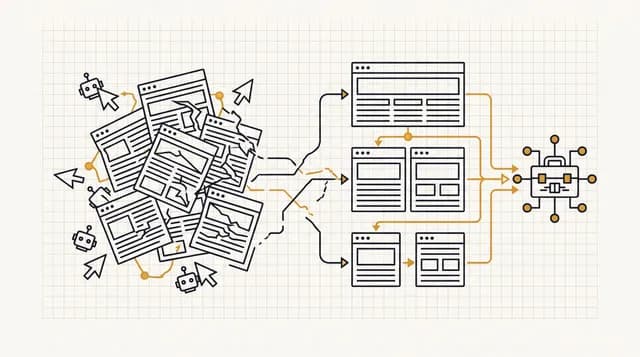

If you have ever watched an AI assistant try to use a website for you, you know how clumsy it can feel. Today's browser bots have to take screenshots, guess where buttons live, and click around like someone wearing thick winter gloves. One tiny layout change on the page, and the bot gets stuck.
A new browser standard called WebMCP (Web Model Context Protocol) is designed to fix that, and it changes how your favorite AI chat app can work with websites on your behalf.
What Is WebMCP in Plain English?
Think of a traditional website like a restaurant with no menu, where an AI assistant has to walk into the kitchen and guess what each pot does.
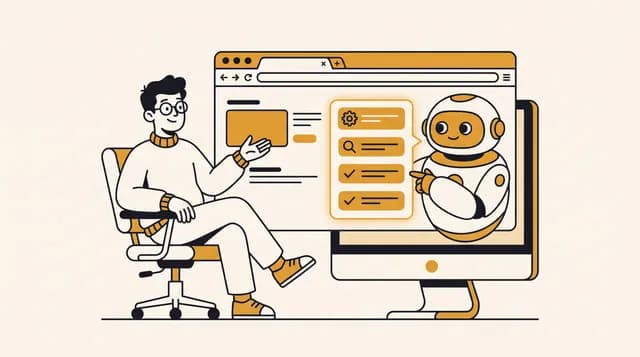
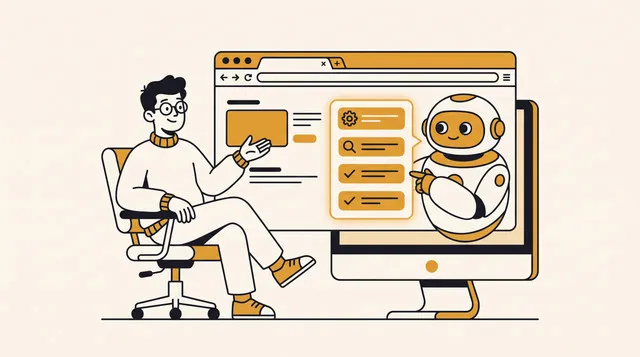
With WebMCP, websites can hand your AI assistant a clean, labeled list of actions (called "tools") right inside your browser tab. Instead of guessing which box is the departure date or which button submits a search, the website explicitly tells the browser: "Here is the flight search tool, and here are the exact fields it needs."
WebMCP is currently being developed as a draft specification by the W3C Web Machine Learning Community Group and tested in early previews.
Why This Matters for Everyday Users
When websites expose structured tools directly in your browser tab, three things get noticeably better for you:
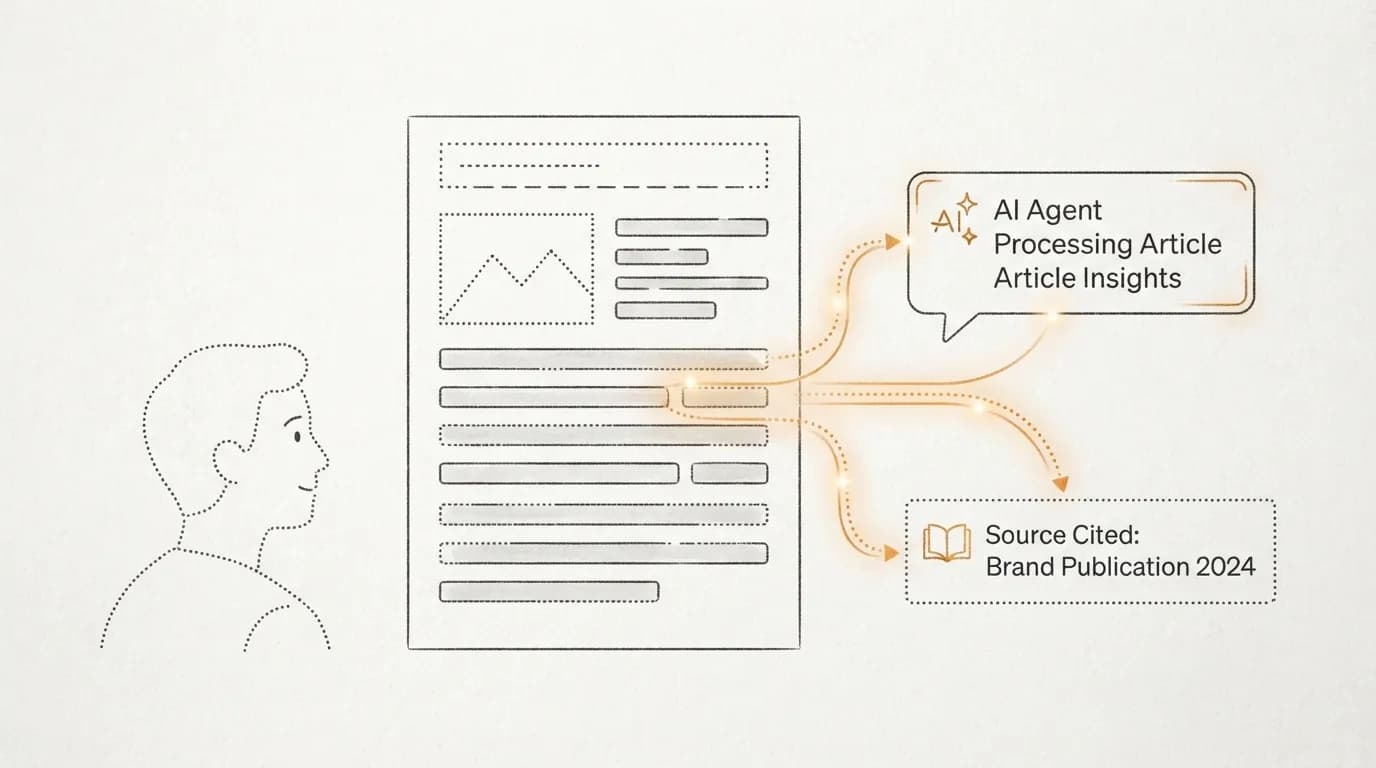
- You Stay in Your Favorite AI Chat App: People increasingly default to their favorite AI chat assistant for daily planning, shopping, and research. With WebMCP, your AI can operate on a website's tools cleanly without forcing you to learn a different interface on every site.
- Fewer Broken Automations: Because the AI is calling a real, typed website action instead of poking at screen pixels, tasks like filtering products by price or filling a booking form become fast and predictable.
- You Keep Control Inside Your Active Tab: Unlike background bots running on a distant server with your saved passwords, WebMCP runs visibly right in the tab in front of you.
Privacy, Safety, and Staying in the Driver's Seat
Handing an AI agent access to your active browser tab naturally raises safety questions. As outlined in the W3C WebMCP technical notes and Chrome's implementation rules, the standard includes built-in guardrails:
- HTTPS Only and Same-Origin Boundaries: Websites can only expose tools over encrypted HTTPS connections, and a third-party widget embedded on a page cannot silently hijack tools from the main site.
- No Raw Password or Cookie Hand-Off: Your AI assistant passes structured inputs to the page's tool; it does not get to read your private browser storage or passwords.
- Read-Only vs. Confirmation Gates: Tools can be marked as safe read-only actions (such as filtering a catalog) versus actions that change data or spend money, so browsers can require your explicit click before anything irreversible happens.

Which Browsers Support WebMCP Today?
Because WebMCP is still an emerging standard, it is not turned on everywhere yet. According to current browser support tracking:
- Google Chrome and Microsoft Edge: Available in early preview via Origin Trials and a local testing flag (
chrome://flags/#enable-webmcp-testing) on desktop and Android. - Mozilla Firefox: Currently not shipped; Mozilla has taken a neutral stance while engineers evaluate parts of the proposal.
- Apple Safari (and Chrome on iPhone/iPad): Not supported. WebKit has opposed the proposal over privacy, security, and consent concerns, which also prevents Chrome on iOS from running it.
Where This Connects to Our Own Products
We are building toward this exact future across our own tools. On the publishing and web side, we are testing Simple Website Builder internally (in beta, powering products like Live QR Menu) so websites stay cleanly structured for both humans and AI agents. And on the personal utility side, we are actively working to bring direct AI chat sync to Vence: Bills and Subscriptions so you can check upcoming bills right inside the AI chat app you already use.
WebMCP is still early, and full cross-browser support will take time. But the direction is clear: instead of AI bots clumsily clicking around websites built only for eyes, the web is learning to hand your AI clean, safe controls while keeping you in charge.
Frequently Asked Questions
Can an AI using WebMCP spend money or submit forms without asking me?
No, by design. As Semrush's WebMCP overview notes, when an AI fills a form via the Declarative API, the user still clicks submit manually unless the site explicitly opts into auto-submission. Interactive tools can also call requestUserInteraction to pause and ask for your confirmation before sensitive actions like purchases.
Do I need to install a separate app or browser to use WebMCP?
No. WebMCP is built directly into the browser tab so supported websites can work with browser-integrated AI assistants and extensions. Right now, it is available in early preview in Google Chrome and Microsoft Edge (or locally via chrome://flags/#enable-webmcp-testing).
Why does WebMCP not work on Safari or iPhone yet?
WebKit, the browser engine behind Safari and Chrome on iPhone and iPad, currently opposes the WebMCP proposal due to privacy, security, and consent concerns, while Mozilla Firefox holds a neutral stance. Until those browser makers adopt the standard, WebMCP remains limited to desktop and Android Chromium browsers.
Insights, Playbooks, Tips & Kits
Want real patterns from my journey building and selling SaaS & apps. DIY playbooks, code-ready starter kits, and the operational moves that let you scale without the overhead. For builders who learn best from firsthand mistakes, real wins & experience.