
When you are vibe coding, you already know what you want to build. You act as the product manager, and Claude, Codex, Antigravity, or Cursor are your engineering workhorses. That setup moves fast until you hit the first foundation question: how do you choose a database for your project?
Most people just tell their agent, "Choose the best database for this app." That only works if you ask the right question first. Choosing a database is not a popularity contest between MySQL, Postgres, MongoDB, Firestore, or Cosmos DB. It is an architectural commitment that will either pay you back or bite you later in monthly bills, latency, and maintenance headaches.
Step 1: Write Your Requirements and Inspect Your Data Shape
Before you name a single database brand, write down your core requirements and ask your AI agent to inspect the shape of your data. Specifically, ask whether your data attributes are stable and connected, or whether they behave like fast, shifting analytical or device data points.

Ask your agent to classify each entity in your app along three lines:
- Attribute stability: Do records share fixed, predictable fields (like users, invoices, and orders), or do fields change from one event to the next?
- Relationships: Do records link tightly together (a customer owns orders, orders have line items), or does each record stand on its own?
- Write velocity and shape: Are you storing structured business transactions, or ingesting rapid streams of independent data points from IoT devices, telemetry sensors, or analytics trackers?
Once you know the shape of your data, the SQL versus NoSQL decision becomes obvious.
Step 2: Choose SQL vs. NoSQL (Or Both for Complex Apps)
Even though an AI agent can pick for you, you should understand the rule yourself so you can steer it. Choose SQL when your data has stable attributes and needs clear connections or relationships between entities. Choose NoSQL when your records are mostly independent data points, schema attributes evolve quickly, or you are ingesting high-velocity streams like IoT readings and analytics events.
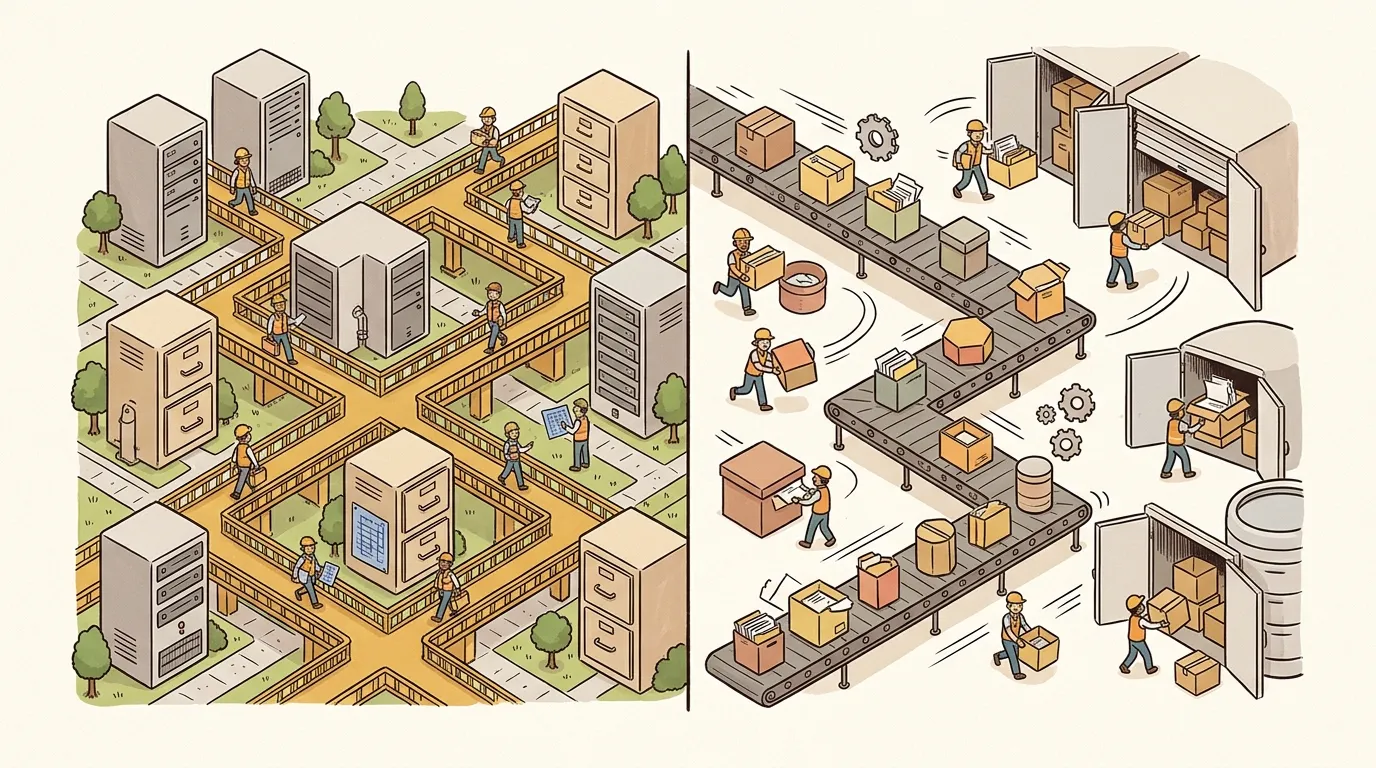
You do not even have to lock an entire system into one engine forever. Complex projects often pair both: SQL for core accounts, billing, and relational state, alongside NoSQL or a time-series store for noisy event logs. For most vibe-coded apps, however, picking the single primary model that fits 90 percent of your data keeps your life simple.
Vibe coding lets anyone ship software. The real difference between a seasoned builder and an inexperienced one is knowing how to optimize performance and cost per cent spent.
Why I Stopped Picking Databases by Stack Habit
When I started my career after learning C++ and SQL with Oracle, the default database in our day-to-day work was MySQL or MariaDB on a LAMP or XAMPP stack with PHP, back before PHP-FPM became standard. If anyone asked me which database to use, I would say MySQL because I used it everywhere. Later, when I moved into Node.js and MongoDB, I would reflexively recommend NoSQL.
Even though I knew Postgres existed, early habits pushed me toward pairing PHP with SQL and Node.js with NoSQL simply because those pairings felt like industry defaults. Teams coming from .NET had the exact same reflex with SQL Server.
Transitioning from an individual developer to a technical leader changes how you see that choice. You realize database selection is a business decision, not a language habit. It depends entirely on what you are trying to achieve, how your data behaves, and what it costs to run.
Why Postgres Shines in the AI Era (And When Firestore Wins)
If your data is relational, PostgreSQL shines like a diamond right now. In the AI era, having native Row Level Security (RLS) at the database layer, built-in vector similarity search via pgvector, and realtime capabilities under one roof makes Postgres hard to beat as a general-purpose SQL engine [1, 2].
That does not mean Postgres wins every cost equation. When you pick a specific provider or brand, you optimize for your exact read and write pattern. If your app only needs occasional reads and writes with lightweight document storage, Firestore can be the smarter choice, especially while you fit inside its Spark free tier limits of 50,000 document reads per day, 20,000 writes per day, and 1 GiB of stored data [3].
Self-Hosted VPS vs. Managed Cloud Hosting
Once you settle on SQL or NoSQL, the next decision is self-hosting versus a managed platform like Supabase, Neon, MongoDB Atlas, or Firestore.

If you are building a personal project or running an engineering team that knows how to automate backups and manage disk volumes, self-hosting on a $5 Contabo VPS gives you predictable, rock-bottom pricing. The catch is operational overhead: you own security patches, failover, and recovery. If you want to run the full Supabase stack on your own server instead of paying hosted compute add-ons, see my step-by-step walkthrough on self-hosting Supabase with Docker Compose and Caddy.
Managed services cut that operational headache dramatically because automated backups, security, sharding, replicas, and read/write separation come built in. For hands-off vibe coding, a hosted solution makes much more sense. Just watch the pricing curve: a $25 monthly base plan or a pay-as-you-go compute bill that jumps to $150 when traffic or unoptimized queries spike can surprise a small project quickly.
Serverless Stacks, Edge Functions, and Connection Pooling
Over time, I have come to appreciate serverless stacks paired with edge functions for fast iteration and low idle cost. There is one rule you cannot skip if you deploy Postgres in a serverless environment: always use a pooled database connection.
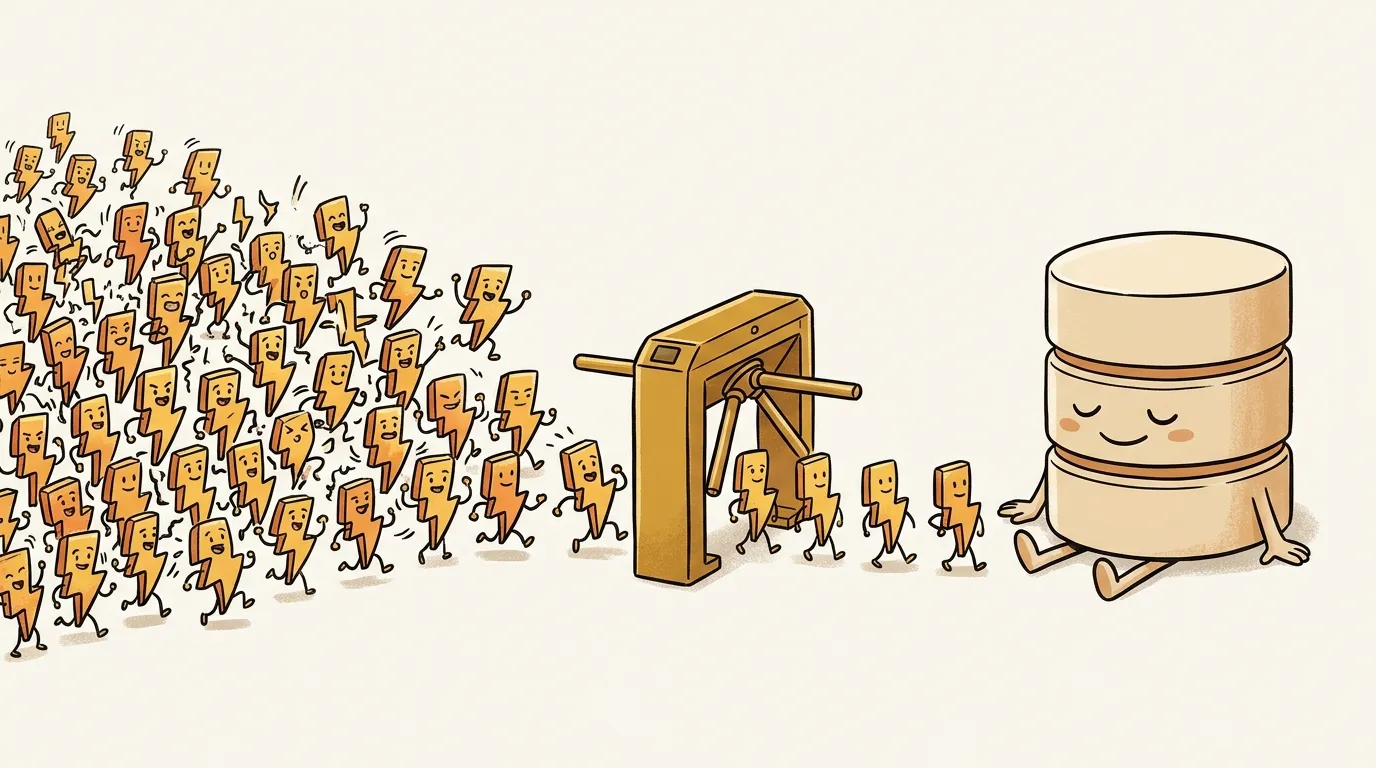
Traditional servers hold a steady pool of open connections. Serverless and edge functions spin up dynamically, and if 200 concurrent invocations each open their own raw Postgres connections, you can exhaust database connection limits almost instantly [4]. Using a built-in pooler such as PgBouncer (included with Neon and Supabase) multiplexes thousands of short-lived serverless connections safely into your database [4].
Four Guardrails to Give Your AI Coding Agent
As a vibe coder, you do not need to memorize every database tuning flag, but you do need to know what bites real apps under traffic so you can tell your agent upfront:
- Index before you reach for caching: If your database grows to gigabytes of data and your app slows down under real traffic, the most common culprit before caching is a missing index on your frequently queried columns.
- Prevent N+1 queries and normalize SQL relationships: Tell your agent explicitly to normalize relational tables cleanly and avoid N+1 query loops that fire hundreds of sequential lookups for a single page load.
- Type and version NoSQL documents: On non-relational databases, the biggest trap is letting document attributes drift without tracking changes. Enforce strict typed schemas (such as TypeScript and Zod, the same pattern we use across backends in Simple Expo Kit) and version your document shapes properly.
- Know when fluency still counts: Sometimes choosing what you or your team already understand deeply is the fastest path to shipping. With AI coding agents writing the queries today, raw syntax fluency matters less than knowing these architectural boundaries and instructing your agent to respect them.
The best part of building today is that you do not have to configure every index, pooler, and schema migration by hand. You just need to understand the trade-offs, state them clearly, and let your agent execute them for you.
References
Insights, Playbooks, Tips & Kits
Want real patterns from my journey building and selling SaaS & apps. DIY playbooks, code-ready starter kits, and the operational moves that let you scale without the overhead. For builders who learn best from firsthand mistakes, real wins & experience.