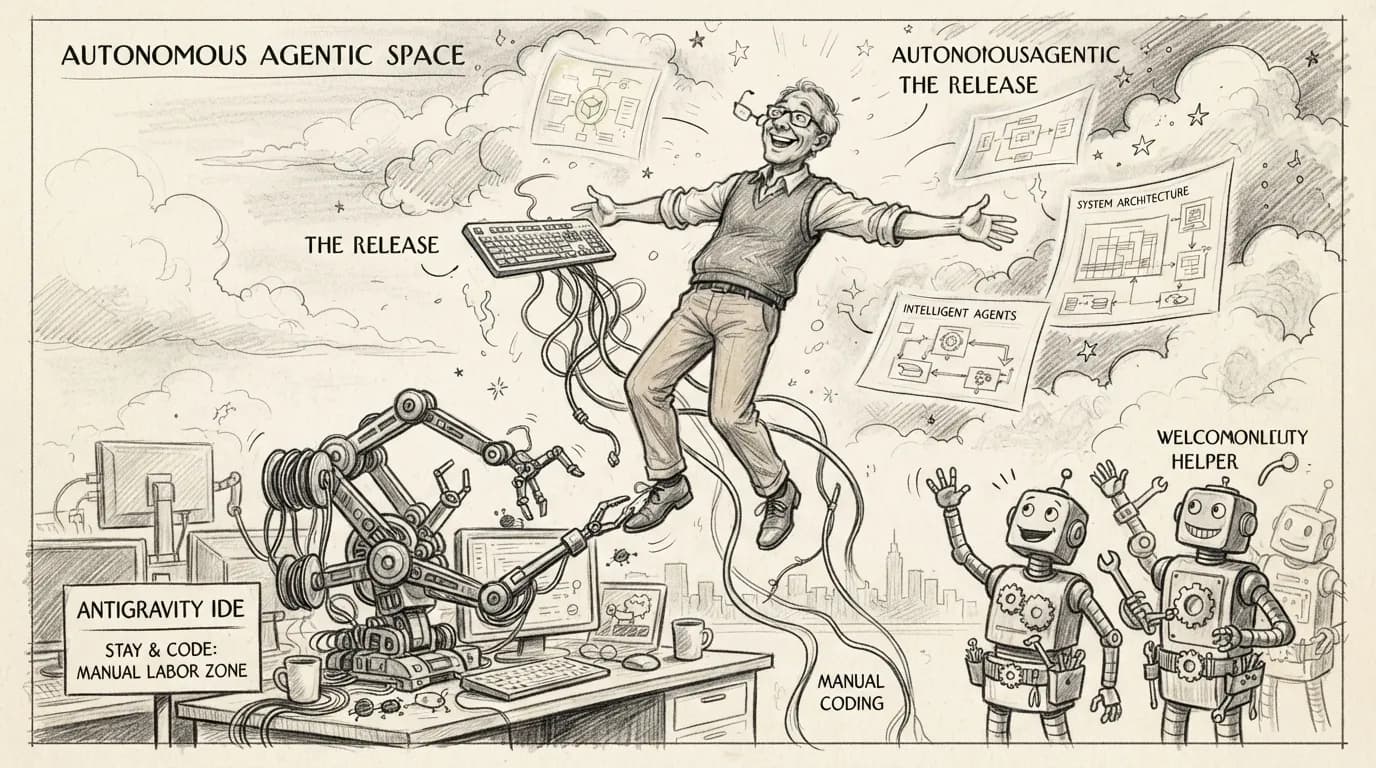

In my previous post, Agentic Coding and Workflow: Why I Stopped Micromanaging and Finally Let Go, I shared why I stopped backseat-driving syntax and started letting AI agents run autonomously inside strict boundaries.
The first question developers asked afterward was practical: how do you actually set that up inside a repository so it works across Claude, Cursor, Copilot, Kilo, Antigravity, or whatever harness you open next?
I did not want to be locked into one editor or rewrite my rules every time a new coding tool shipped. So I built a simple, portable multi-harness workflow that I now import into every new repository and project.
The Multi-Harness Problem: Too Many Rule Files
Every AI coding harness expects its own instruction file: CLAUDE.md, GEMINI.md, .cursorrules, copilot-instructions.md, and so on. If you maintain separate instructions in each file, they drift out of sync within a week.
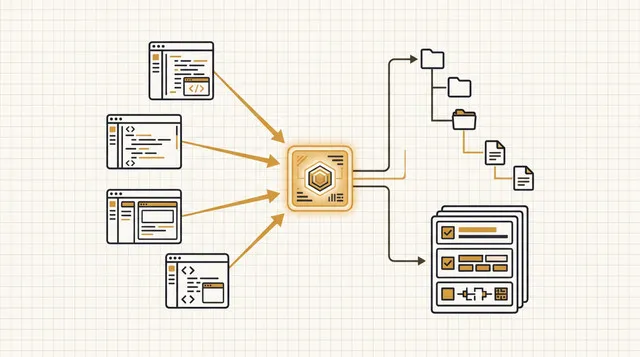
My fix is simple: treat AGENTS.md as the single source of truth and turn every harness-specific file into a tiny pointer.
Inside each tool's expected .md file, I do not duplicate architecture rules or workflow steps. I just write a short pointer telling that harness: "Read AGENTS.md and follow .agents/ as your binding workflow."
That aligns cleanly with the open AGENTS.md standard, and it gives me true multi-harness portability. I can start a task in Antigravity, switch to Copilot or Cursor, and my major flow stays identical everywhere.
Inside the Repo: .agents/ and Per-Agent Rules
To keep the workflow reusable across projects, I split repository configuration into two clean places:
AGENTS.md(Project-Level Contract): Each repository still has its own stack, build commands, and domain constraints, soAGENTS.mdholds the project-specific rules and points into.agents/..agents/(Portable Workflow Engine): Lives in the repo root and holds the reusable agent definitions, templates, and arules/directory containing a dedicated rules file for each agent role.
Instead of cramming every instruction into one massive prompt, each agent reads only its own rules file inside .agents/rules/. That keeps context clean and prevents one agent's instructions from polluting another's.
Protecting Your Token Budget With Socraticode
One of the fastest ways to burn through a usage limit with a frontier model is a cold-cache session. Right after a limit resets, or when cached responses are unavailable, an agent that blindly greps and opens dozens of raw files can wipe out half your quota in a single run.
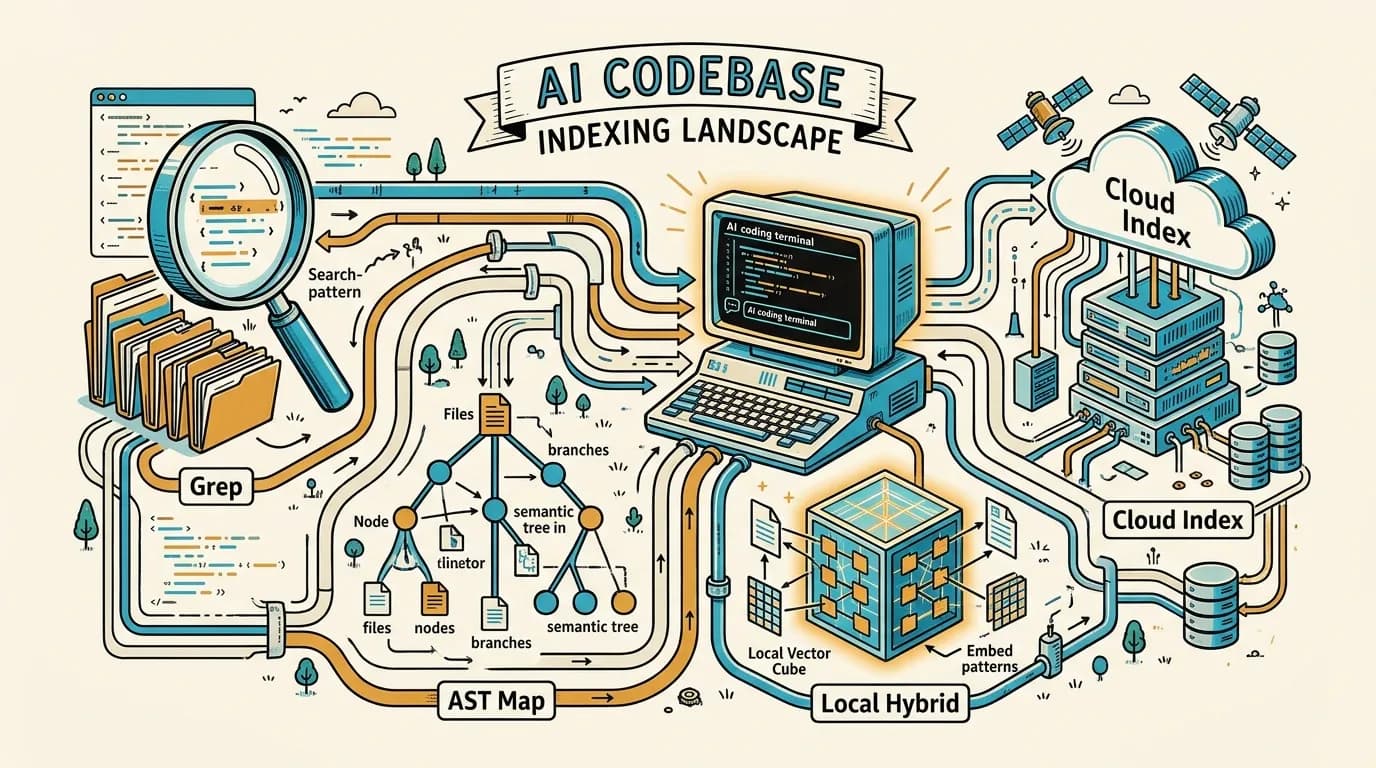
To prevent that burst token burn, I wire Socraticode into the workflow via MCP. Instead of sending raw files back and forth to rediscover how a project is structured, Socraticode builds an AST-aware semantic index and dependency graph of the codebase. On large repositories, Socraticode's benchmarks show 61 percent fewer context tokens and 84 percent fewer tool calls compared to grep-based exploration.
When a session starts, the agent queries Socraticode's index and graph in milliseconds instead of reading half the repository into context.
The Root Job Workflow: Brief, Plans, Workers, and Review
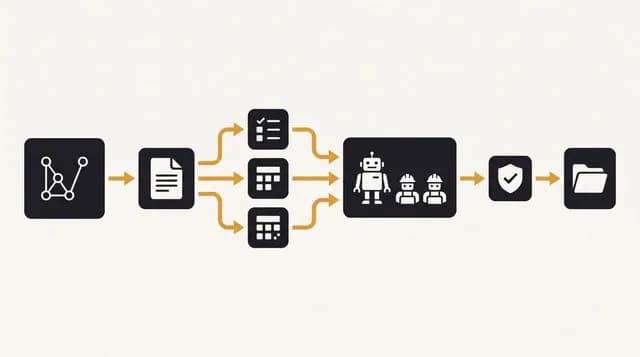
Outside of .agents/, I keep a lightweight job workflow folder in the root of the repository with simple Markdown templates. Every task follows the same four-step lifecycle:
- One-Shot Brief Discussion: I open a session and discuss the job brief and requirements with the primary agent in one go. In the background, the agent runs repository discovery through Socraticode and a background explorer so it already understands the current codebase while we align. I only discuss and approve the brief.
- 1 to N Short Plans: Once the brief is approved, the primary agent generates one or more short, focused plans depending on the scope, deciding which steps must run serially and which can run in parallel.
- Primary + Worker Execution: I keep agent roles intentionally simple: one Primary (Orchestrator) Agent and focused Worker Agents executing the plans. No bloated zoo of hyper-specialized agents.
- Automatic Reviewer and
reports/: After every job finishes, the primary agent automatically triggers a Reviewer Agent to audit the changes against the brief and write the final summary intoreports/.
In upcoming follow-up posts, I will dive deeper into the exact token-saving patterns when prompt caches miss and break down the directory templates in detail.
Frequently Asked Questions
How do I make one AGENTS.md work across Cursor, Copilot, Claude, and other tools?
Keep your real project instructions in AGENTS.md (following the AGENTS.md open format) and place a short pointer in each tool's native config file (CLAUDE.md, GEMINI.md, .cursorrules, or Copilot instructions) binding that harness to read AGENTS.md first.
Why use Socraticode instead of letting the coding agent grep the codebase?
When prompt caching is cold or unavailable, grep-and-read loops force the model to ingest entire files repeatedly. Socraticode gives the agent an indexed map and dependency graph over MCP so it pulls only relevant symbols and relationships.
Why separate .agents/ from the root job workflow folder?
.agents/ holds your portable, cross-project agent definitions, templates, and per-agent rules/ files that you can import into any repository. Keeping the active job brief, plans, and reports/ in the root keeps project work visible and easy to track per feature.
Insights, Playbooks, Tips & Kits
Want real patterns from my journey building and selling SaaS & apps. DIY playbooks, code-ready starter kits, and the operational moves that let you scale without the overhead. For builders who learn best from firsthand mistakes, real wins & experience.